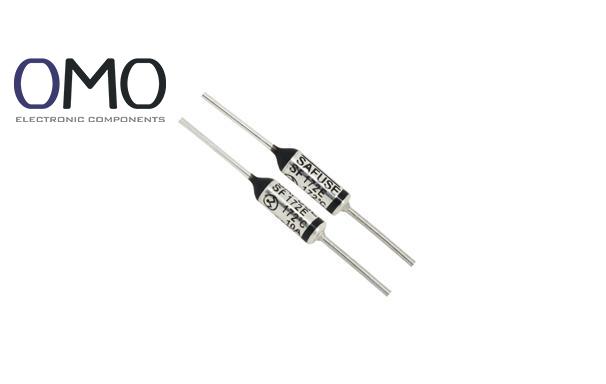
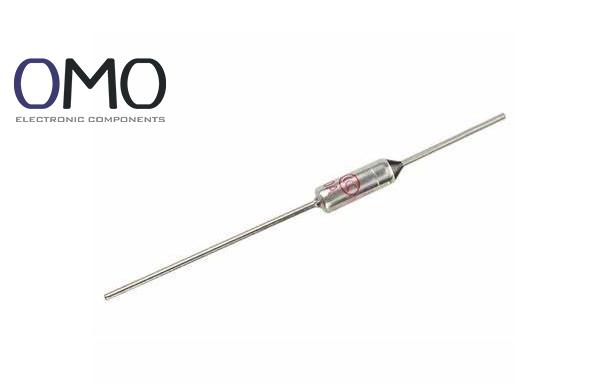
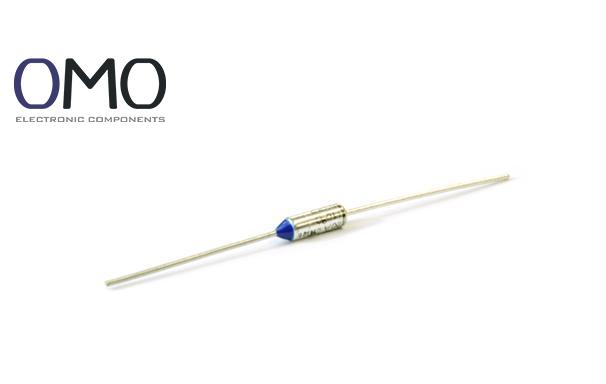
A Thermal Cutoff (TCO) is a precise one-time temperature-sensitive protection component. It acts as the "last line of defense" for device safety. When the temperature goes over a set limit, it cuts off the circuit exactly. Unlike a current fuse, a TCO is made to react to temperature problems. Its main job is to stop fires or permanent damage caused by overheating.
Key Differences from a Normal Fuse
Trigger mechanism: TCO responds to temperature, while a normal fuse responds to too much current (overcurrent).
Reset type: TCO is non-resettable (once it breaks, it stays open), but many fuses are resettable (like PPTC).
Response speed: TCO speed depends on heat transfer rate, while fuse speed depends on I²t value (current squared times time).
Comparison Table: TCO vs Normal Fuse
Feature
Thermal Cutoff (TCO)
Normal Fuse
Trigger Factor
Temperature
Overcurrent
Reset Type
Non-resettable
Resettable/Not
Main Protection Target
Overheating
Overcurrent/Short
Speed Factor
Heat transfer rate
I²t value
Detailed Working Principle
The key part of a TCO is a heat-sensitive material (like BiSn/PbSn alloy or organic compound). When the temperature reaches a set point (for example, 142°C ±5°C), the material melts (solid-liquid phase change). A spring or piston inside then pushes the contact apart. This action breaks the circuit forever. This is why it is a one-time protection device and helps stop further damage.
Key Role and Application Value
The main goal of a TCO is to break the chain of overheating. It protects parts like hairdryer heaters, motor windings, and lithium battery packs. This helps avoid fires (follows UL 1434, IEC 60691 standards). Safety groups like UL, TUV, and CCC require TCOs in certain devices. It is a must-have for safety approval.
Technical Parameters and Features
Key Performance Indicators
When choosing a TCO, focus on these four things:
Rated Temperature (RT): Set action point (e.g. 100°C) and tolerance (e.g. ±5°C). Smaller tolerance = higher precision.
Electrical Capacity: Max current (e.g. 10A) and voltage (e.g. 250V). It must handle the device’s load.
Trigger Curve: As temperature goes up, reaction time goes down. Match the time vs temperature curve with your device.
Mechanical Strength: Can resist vibration (e.g. 10G@55Hz) and shock (e.g. 100G@6ms). Important for car systems.
Corrosion: Sulfur in the air damages electrodes (47% higher fail rate near the sea).
Solder damage: Iron contact >5 seconds changes sensor material (action temp shifts ≥10%).
External hit: Drop >50G bends the structure.
Frequently Asked Questions
Where is the thermal fuse on a dryer?
For both electric and gas dryers, the thermal fuse is typically situated behind the rear panel or at the machine's bottom. Behind the rear panel, it's commonly found along the exhaust duct near the heating element or blower.
What is a thermal fuse?
A thermal fuse acts as a safety device, automatically interrupting electrical power to appliances like dryers if they overheat. This shutdown prevents potential damage and lowers the fire risk.
What does a thermal fuse do?
A thermal fuse serves as a safety device. It interrupts power to the heating element if an appliance malfunctions or stops working unexpectedly, thereby preventing dangerously high temperatures.
What does a fan thermal fuse do?
A thermal fuse cuts off power to prevent the fan from overheating, reducing fire or equipment damage risk. If your fan suddenly stops, a tripped thermal fuse could be the cause.